HAVOCMidnight Screen previews

Midnight
desktop update

Sign-in is back. Follow your headset’s connection status and find each mod’s settings right where you use them.

What changed

See your headset’s status

Connection lists USB headsets and wireless devices already visible to your computer through Android Debug Bridge (ADB).

  • See when a device needs authorization, goes offline or becomes available.
  • Choose a headset in Device options. Havoc remembers your selection after a restart.
  • Enable automatic reconnect for a dropped link, or retry manually from Connection.
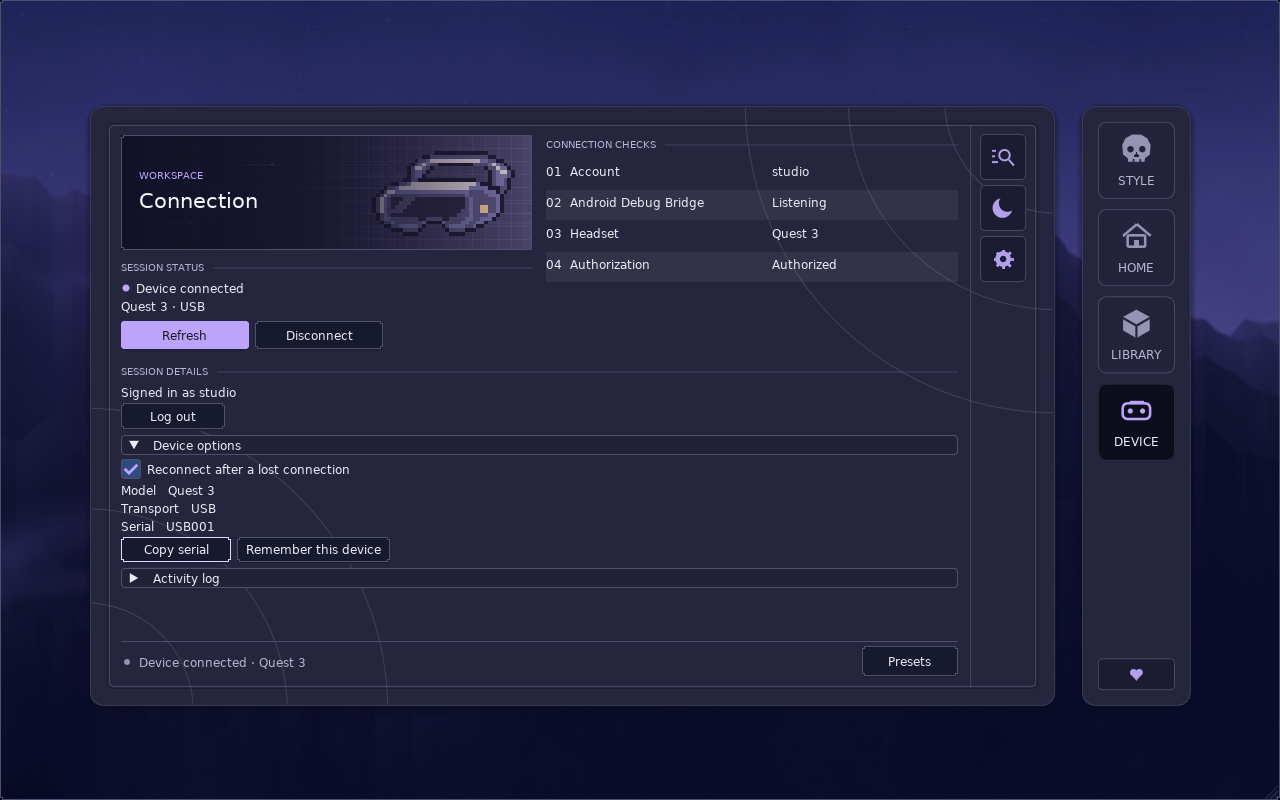
The Connection screen with a headset checklist, device options and activity log.
Connection screen with a test headset

Verify before entering the menu

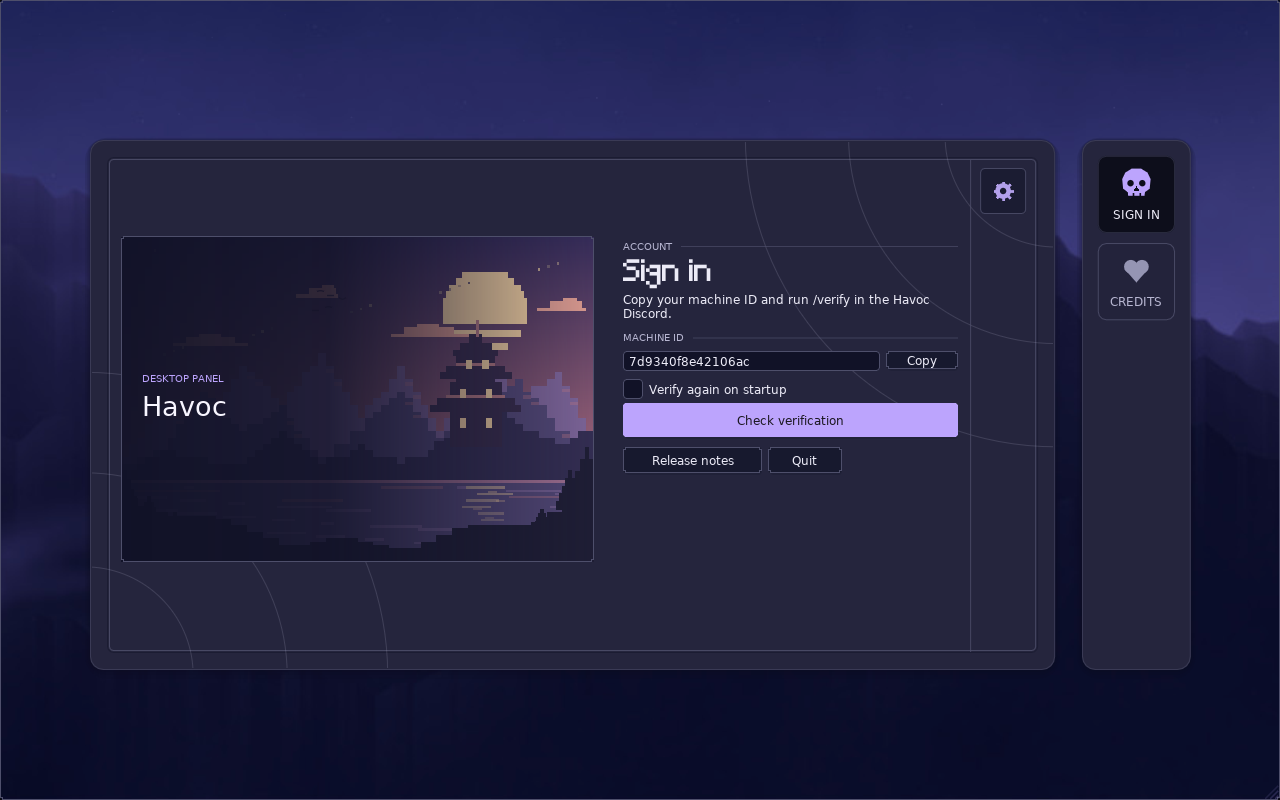
Copy your machine ID, use /verify in the Havoc Discord, then choose Check verification. A successful check takes you to Connection.

  • Cancel a pending check or try again after an error.
  • Choose whether Havoc should verify again when it starts.
  • Log out from Connection to clear the session and return to sign-in.
The illustrated Havoc sign-in page shows the machine ID, copy control and Check verification button.
Sign-in screen with a sample machine ID

Find each setting with its mod

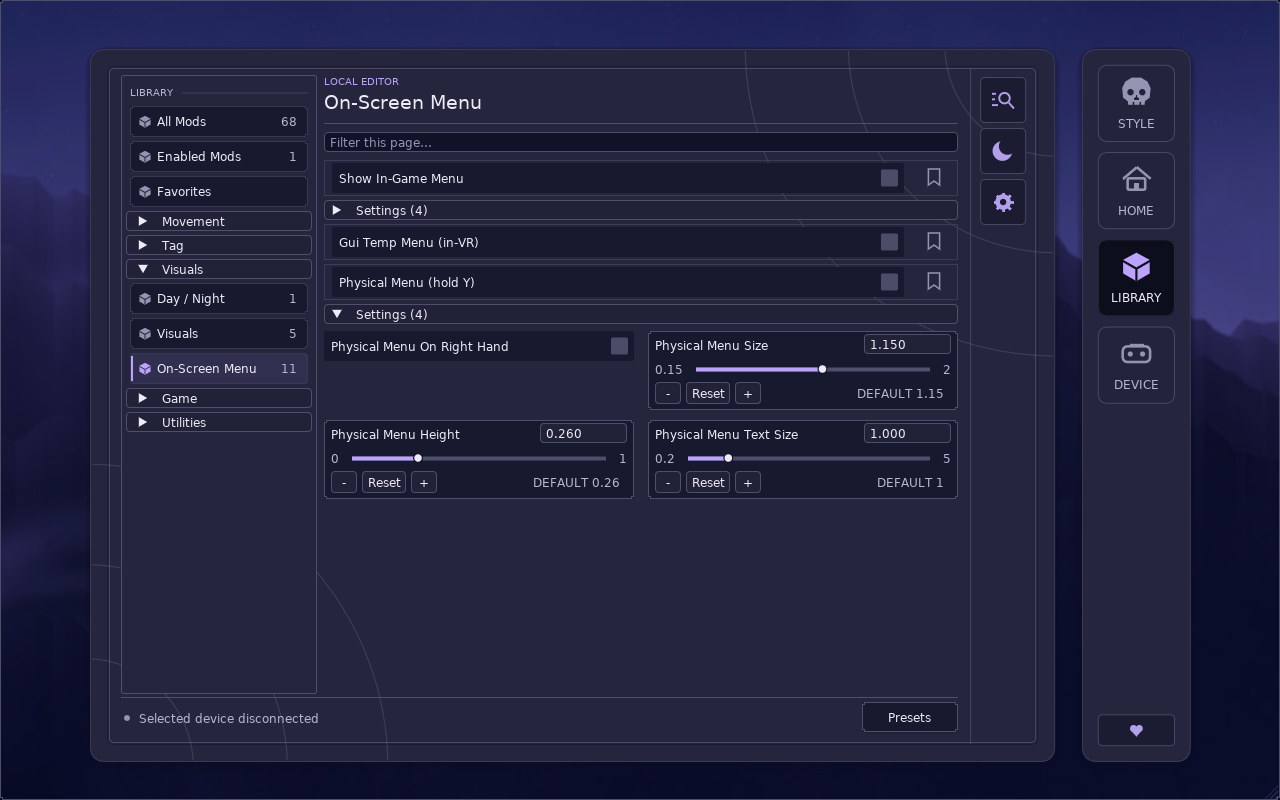
The local editor keeps 68 settings on their 24 original pages. Expand a mod to see its controls together.

  • Search with Ctrl + F, or use Ctrl + K to jump to a page or field.
  • Filter by Enabled or Favorites and keep the settings attached to each result.
  • Use Presets to save a combination of local editor values.
A Havoc library page shows local editor settings expanded beneath their parent mod.
Library with a mod’s settings expanded

Make Midnight your own

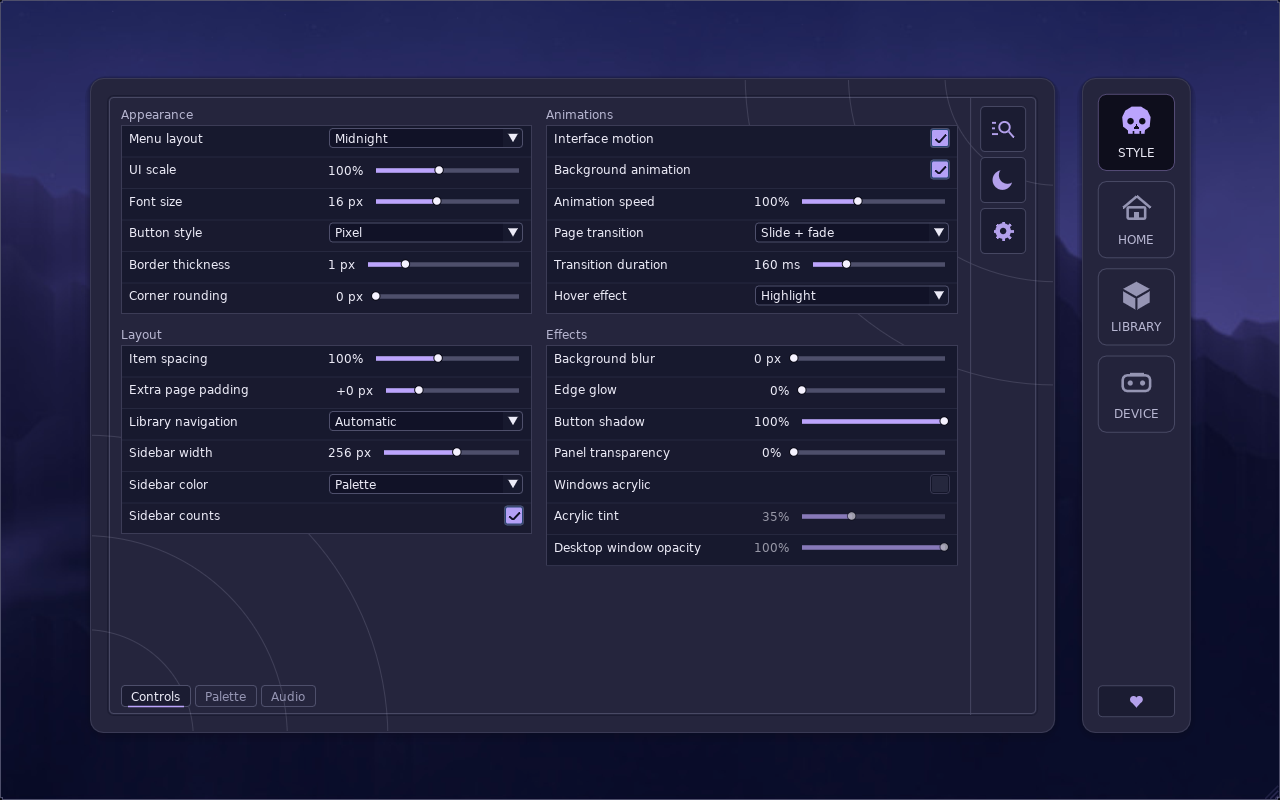
Appearance brings 43 preferences into three tabs. Changes apply as you edit and are saved for your next session.

  • Adjust spacing, text size and motion under Controls.
  • Choose a color scheme under Palette. Reset to defaults restores Midnight.
  • Set the volume of the five interface cues or mute them under Audio.
The Midnight Appearance screen shows controls for layout, animations, glow and borders.
Appearance in the Midnight layout